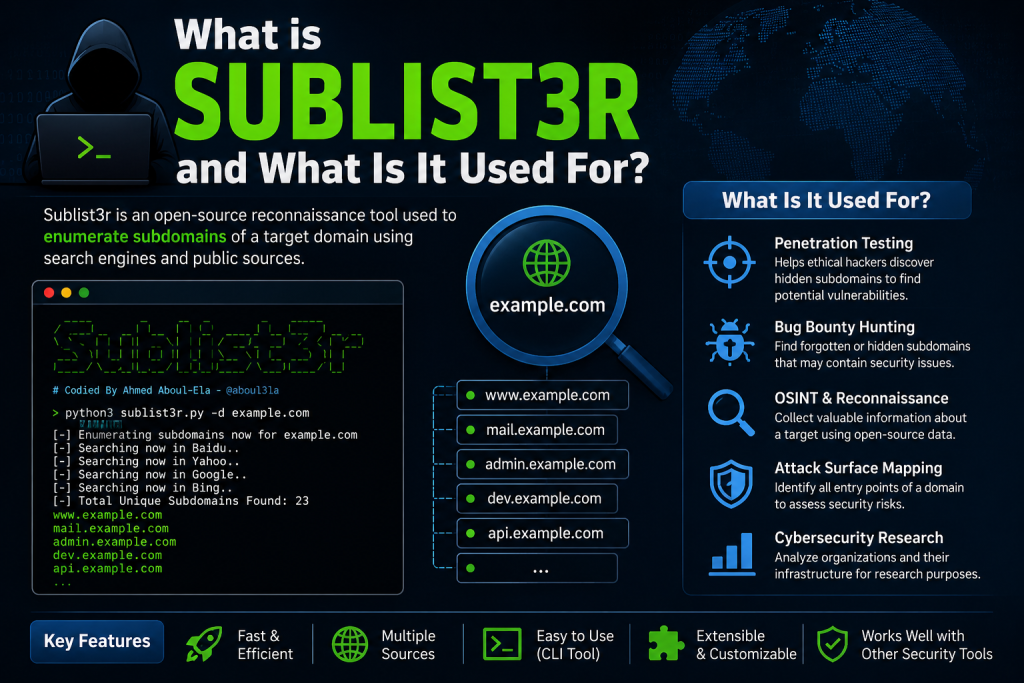
Subdomain enumeration is a fundamental part of reconnaissance in cybersecurity, helping security professionals identify hidden assets associated with a target domain. One of the most widely used tools for this task is Sublist3r, a powerful open-source solution that gathers subdomains from various public search engines and online sources.
Whether you’re a penetration tester, bug bounty hunter, or cybersecurity enthusiast, learning how to use Sublist3r can streamline your information-gathering process. In this guide, you’ll discover how Sublist3r works, how to install and run it, and the best practices for conducting efficient and ethical subdomain enumeration.
Read More: How Do I Install Sublist3r on Windows, Linux, or macOS?
What Is Sublist3r?
Sublist3r is a Python-based tool designed to enumerate subdomains using search engines and other passive data sources. Developed primarily for penetration testers and bug bounty researchers, it helps uncover hidden assets without directly interacting with the target’s infrastructure.
Unlike active scanning techniques, Sublist3r relies on publicly accessible information. This passive approach reduces the likelihood of triggering security alerts while still providing valuable intelligence.
Why Use Sublist3r?
There are several reasons why security professionals choose Sublist3r:
- It is free and open-source.
- It gathers information from multiple search engines simultaneously.
- It performs passive reconnaissance.
- It is easy to install and use.
- It supports integration with port scanning capabilities.
These advantages make Sublist3r a useful addition to any reconnaissance toolkit.
Installing Sublist3r
Before using Sublist3r, ensure that Python is installed on your system. You can then download the tool from its official repository.
Clone the repository using Git:
git clone https://github.com/aboul3la/Sublist3r.gitNavigate into the project directory:
cd Sublist3rInstall the required dependencies:
pip install -r requirements.txtOnce installation is complete, the tool is ready to use.
Basic Usage of Sublist3r
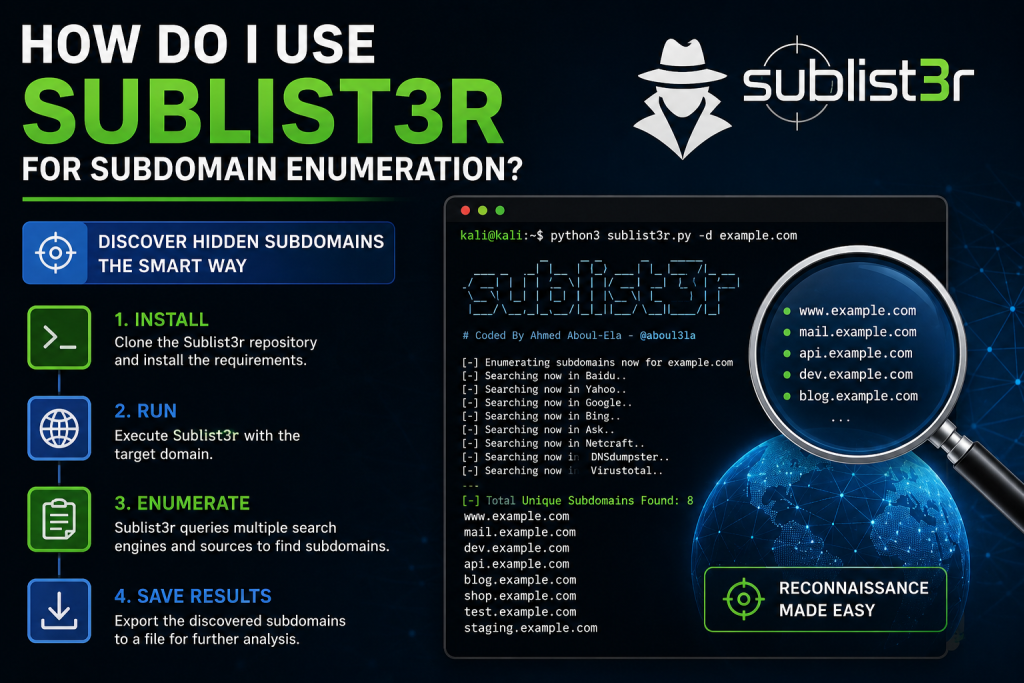
The simplest way to run Sublist3r is by specifying a target domain:
python sublist3r.py -d example.comReplace example.com with the domain you want to investigate.
The tool will begin querying supported sources and display discovered subdomains in the terminal.
Example output may look similar to this:
www.example.com
mail.example.com
api.example.com
blog.example.com
dev.example.com
Saving Results to a File
If you want to store the discovered subdomains for future analysis, use the output option:
python sublist3r.py -d example.com -o subdomains.txtThe results will be saved in a text file named subdomains.txt.
This feature is particularly useful when conducting larger assessments or preparing reports.
Using the Threads Option
Sublist3r allows users to define the number of threads used during enumeration:
python sublist3r.py -d example.com -t 50Increasing the thread count may improve performance. However, using an excessively high number of threads can sometimes lead to search engine limitations or temporary blocks.
A moderate value often provides the best balance between speed and reliability.
Enabling Port Scanning
Sublist3r includes an option to scan discovered subdomains for open ports.
For example:
python sublist3r.py -d example.com -p 80,443This command checks whether the identified subdomains have ports 80 and 443 open.
While this feature adds convenience, many professionals prefer dedicated tools such as Nmap for more comprehensive port scanning.
Using Specific Search Engines
Sublist3r can limit enumeration to selected search engines:
python sublist3r.py -d example.com -e google,bing,yahooThis option provides greater control over the enumeration process and can help troubleshoot inconsistent results.
Understanding the Results
Finding a subdomain does not automatically indicate a security weakness.
Each discovered subdomain should be analyzed carefully to determine:
- Whether it is active.
- Which technologies it uses.
- Whether it exposes sensitive information.
- If it falls within the scope of an authorized security assessment.
Tools such as HTTP probes, technology fingerprinting utilities, and vulnerability scanners are often used during the next phase of testing.
Best Practices When Using Sublist3r
To maximize the effectiveness of Sublist3r, consider the following recommendations:
- Always obtain proper authorization before testing any domain. Unauthorized reconnaissance may violate legal and ethical guidelines.
- Combine Sublist3r with other enumeration tools. No single solution discovers every subdomain, so using multiple sources often produces better coverage.
- Validate the discovered assets. Some results may be outdated or inactive.
- Document your findings carefully. Organized records improve reporting quality and simplify follow-up investigations.
Limitations of Sublist3r
Although Sublist3r remains a valuable reconnaissance tool, it has certain limitations.
Its effectiveness depends heavily on the availability of publicly indexed data. Newly created or intentionally hidden subdomains may not appear in search results.
Additionally, search engine rate limits can occasionally affect performance.
Because of these limitations, many security professionals supplement Sublist3r with certificate transparency logs, DNS brute-forcing tools, and other reconnaissance techniques.
Conclusion
Sublist3r offers a straightforward and efficient way to perform passive subdomain enumeration. Its ease of use, combined with support for multiple search engines, makes it a practical choice for ethical hackers, bug bounty participants, and cybersecurity learners.By understanding how to install the tool, execute basic commands, save results, and interpret findings responsibly, you can strengthen your reconnaissance process and gain a more complete picture of an organization’s publicly exposed assets.Remember that Sublist3r should only be used within authorized environments. Ethical and legal considerations are just as important as technical skills in cybersecurity.