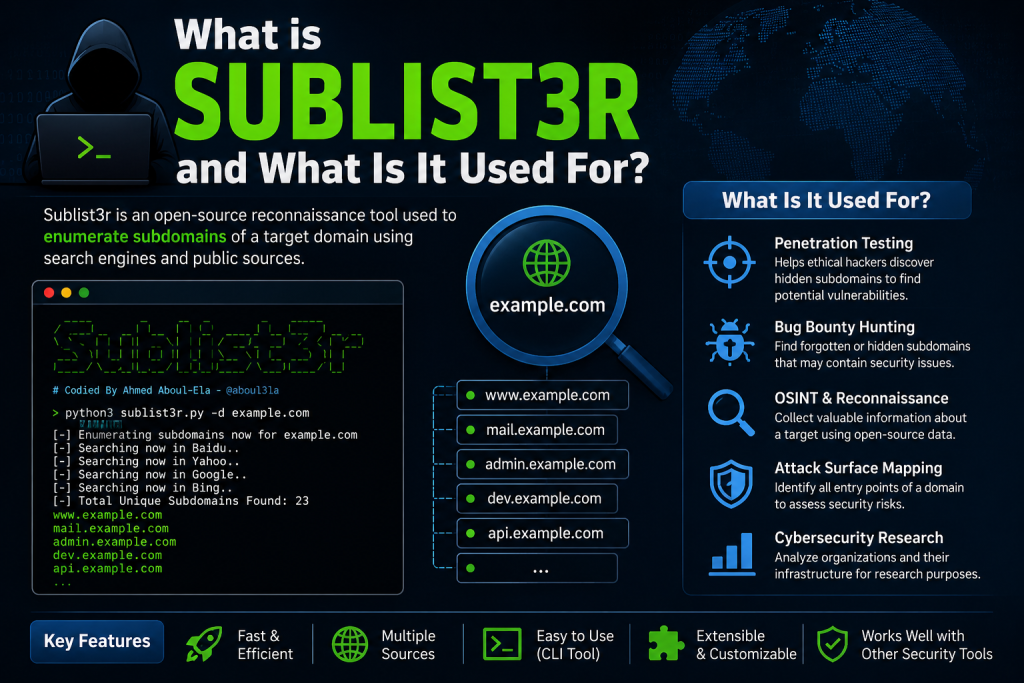
Sublist3r is a popular open-source tool used in cybersecurity for finding subdomains of a target domain. It is widely used by ethical hackers and penetration testers to map an organization’s external attack surface. However, because of its popularity, many fake or modified versions exist online, which can put your system at risk.
That’s why learning how to download Sublist3r safely is very important. The safest approach is always to use its official GitHub repository and avoid third-party websites. In this guide, you’ll learn the correct, secure steps to download and install Sublist3r without exposing your system to malware or unsafe code.
Read More: What is Sublist3r and What Is It Used For?
What is Sublist3r?
Sublist3r is a Python-based tool designed to find subdomains using search engines and public data sources. Security researchers use it to map an organization’s online footprint.
However, because it’s widely used, fake or modified versions sometimes appear on random websites. That’s why downloading it safely is extremely important.
Why safety matters when downloading Sublist3r
Downloading cybersecurity tools from the wrong source can expose you to:
- Malware or backdoors hidden in modified scripts
- Outdated or broken versions
- Fake repositories designed to steal data
- Unverified code that can harm your system
To avoid these risks, you should always download Sublist3r from its official source.
The safest way to download Sublist3r
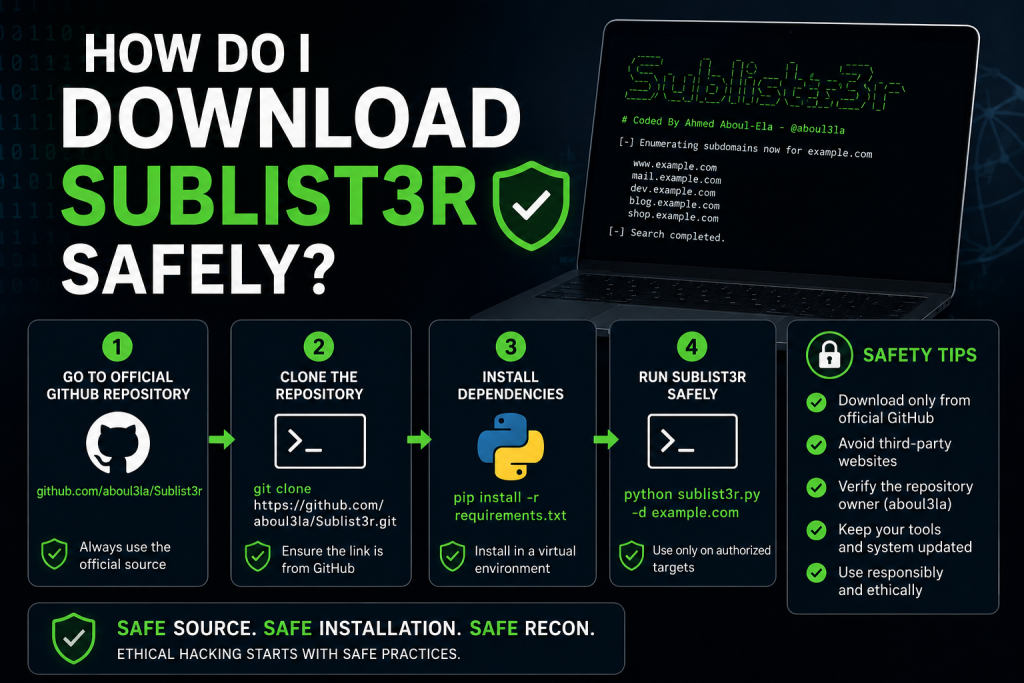
The only recommended way to download Sublist3r is through its official GitHub repository.
Step 1: Go to the official source
Search for Sublist3r on GitHub or directly access its repository:
- Official repository: https://github.com/aboul3la/Sublist3r
Make sure the repository owner is aboul3la, as this is the original developer.
Step 2: Clone the repository safely
If you have Git installed, use the following command:
git clone https://github.com/aboul3la/Sublist3r.gitThis ensures you are downloading the exact source code without modifications.
Step 3: Install dependencies
Navigate to the folder:
cd Sublist3rThen install required Python packages:
pip install -r requirements.txtThis step ensures Sublist3r runs correctly in a clean environment.
Step 4: Run Sublist3r
You can now use the tool like this:
python sublist3r.py -d example.comReplace example.com with your target domain (only use on authorized targets).
How to verify you downloaded Sublist3r safely
Before running any cybersecurity tool, always check:
Source authenticity
- Confirm it is from GitHub
- Confirm the owner is the original developer
Repository activity
- Check commits and updates
- Look for community stars and forks
No suspicious modifications
Avoid versions from:
- Random blogs
- Unknown file-sharing sites
- YouTube download links
Common mistakes to avoid
Many beginners make these errors:
- Downloading ZIP files from third-party websites
- Running Python scripts without checking code
- Using outdated forks of Sublist3r
- Ignoring dependency warnings
These mistakes can lead to security risks or broken installations.
Pro tips for safer usage
- Always use a virtual environment (
venv) - Keep Python updated
- Review code before execution if possible
- Use Sublist3r only for ethical and legal security testing
Conclusion
Downloading Sublist3r safely is all about being careful with your source and installation method. Since it’s a widely used cybersecurity tool, fake or modified versions can easily circulate online, making official sources the only trustworthy option. By using the original GitHub repository, verifying the author, and following proper installation steps, you can avoid security risks and ensure the tool works as intended. Always remember that in cybersecurity, safe practices are just as important as technical skills. Keeping your environment clean and using trusted sources will help you learn and work effectively without compromising your system’s security.